A crisp white edge, even around whiskers.
FREE · PRIVATE · NO SIGN-UP
Your cat.
In pixels.
Turn a cat photo into retro pixel art in seconds. The photo stays in your browser.
Make Pixel Cat↓01Free export · 1080 × 1080
TRY IT NOW
Build your Pixel Cat
=^・ω・^=
Drop a cat photo hereor choose it from your device●Your photo never leaves this device
THE GIFT PEOPLE KEEP
A portrait worthy
of their majesty.
One clear photo becomes four high-resolution portraits that still look like your cat.
Choose a style↓AI generation opens in the next release
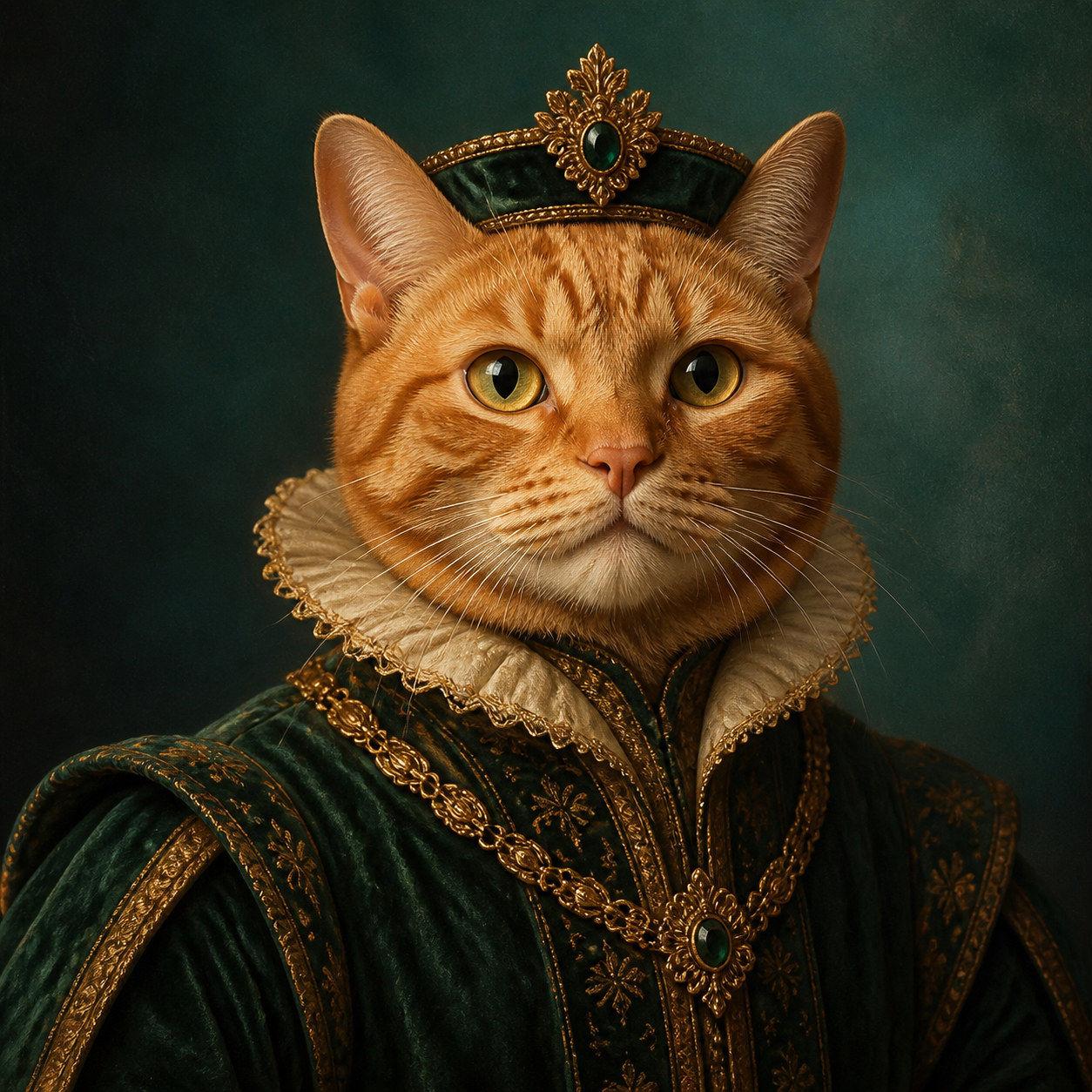 EXAMPLE RESULT
02Planned: 4 images · one-time purchase
CHOOSE THE LOOK
Three styles people buy as gifts
One photo → four finished portraitsNo subscription. Preview before payment.
YOUR CAT, EVERY REACTION
A sticker pack
only you have.
One photo becomes a set of cheerful reactions for chats, stories and family groups.
See the pack↓AI generation opens in the next release
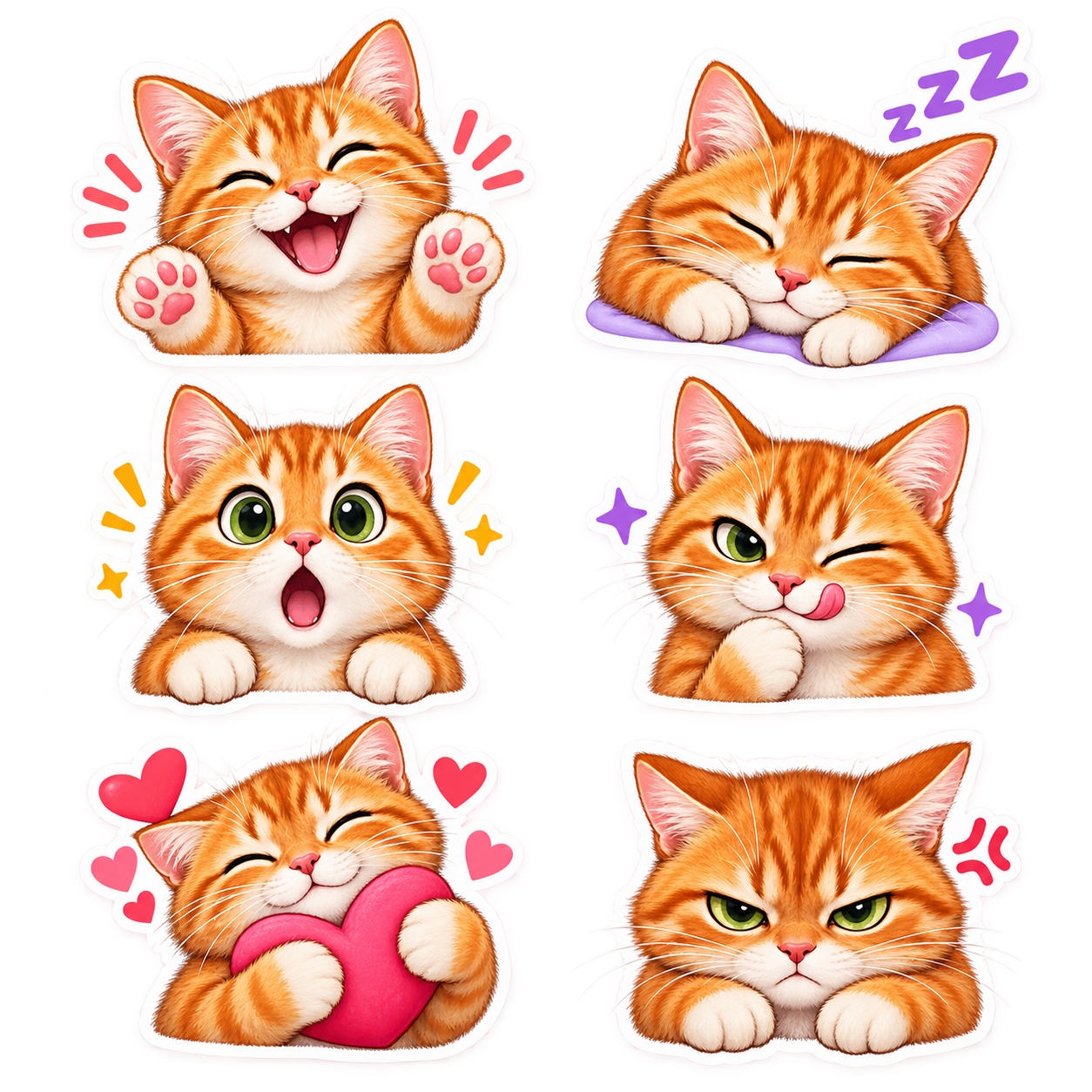 EXAMPLE RESULT
03Planned: PNG pack · one-time purchase
WHAT IS INSIDE
Six reactions, ready to send
Consistent markings and recognizable features.
Separate PNG files plus one printable sheet.
YOUR READY STICKERS
Download each picture separately
No ZIP file. Tap the sticker you want and save it as a transparent PNG.
These are demonstration stickers. Your cat's generated pictures will appear in the same list.
HOW TO USE THEM
Add the stickers to your messenger
- Download the PNG to your phone.
- Open a chat, then open the sticker panel.
- Tap Create or the pencil icon and choose the downloaded image.
- Send it and repeat for the other pictures.
Telegram
- Download the PNG to your phone.
- Open the sticker panel in any chat and tap +.
- Choose the image and add an emoji that matches the emotion.
- Save it to a new or existing sticker set.
Button names can differ slightly depending on the app version and phone language.
One photo → a complete reaction packNo subscription. Preview before payment.